Physical Address
304 North Cardinal St.
Dorchester Center, MA 02124

Practical Power Platform notes from enterprise delivery.
Practical Power Platform notes from enterprise delivery.
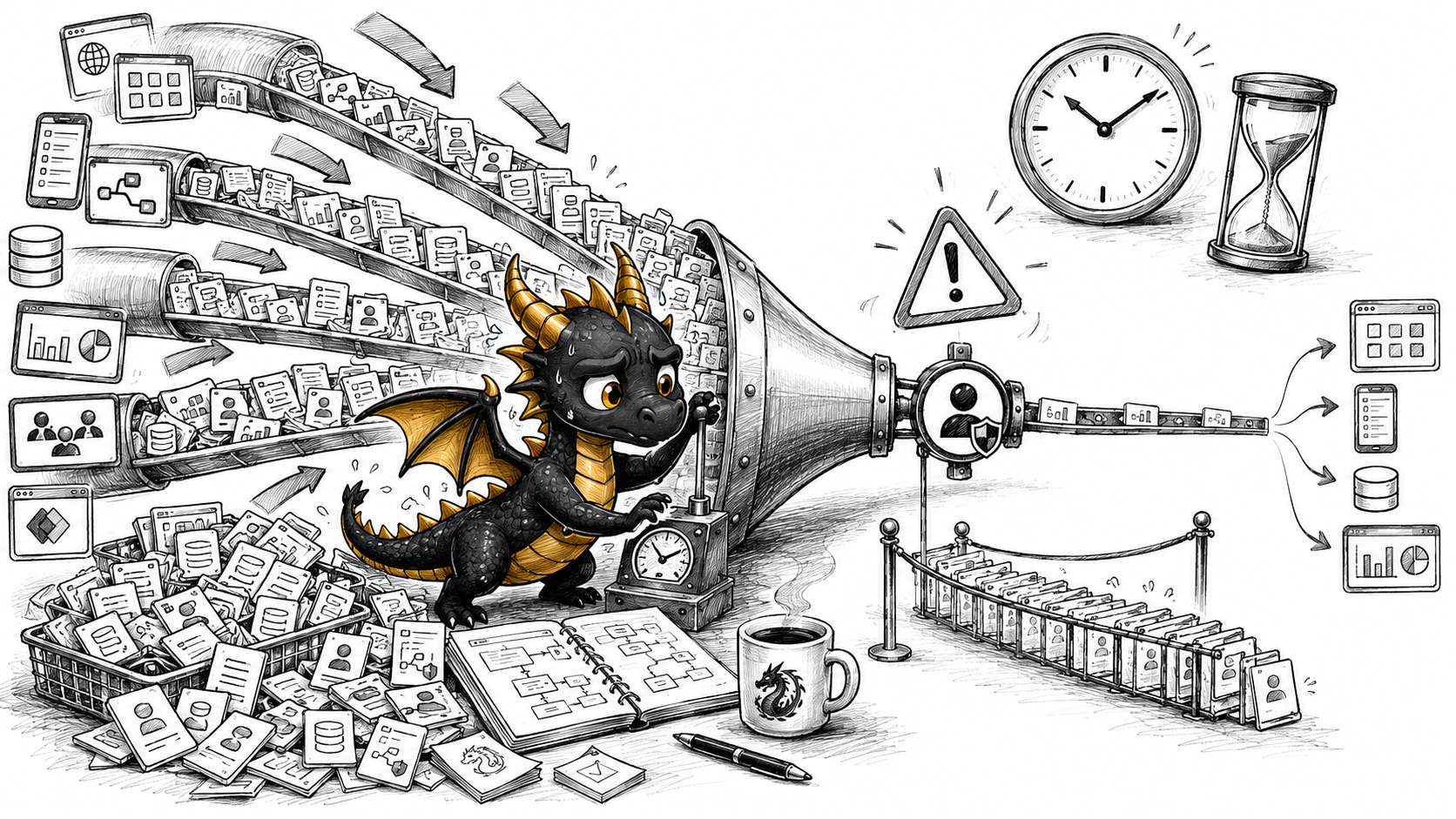
For a long time, many Power Automate solutions were designed with a very simple ownership model:
“Let’s put all important flows under one technical account.”
It felt clean.
One owner.
One mailbox.
One set of connections.
One place to look when something goes wrong.
And to be fair, there are reasons why organizations did this. Personal ownership of business-critical flows is risky. People leave teams. Accounts get disabled. Connections expire. Makers move to other roles. Nobody wants an important automation to depend on “John from Finance” forever.
But there is another side of this design.
When too many flows run under one account, that account may become more than an administrative owner.
It can become a request bottleneck.
And this is where the Power Platform Requests conversation starts.
Microsoft has documented Power Platform Request limits for years.
For Power Automate, a user with a Power Automate Premium license has an official limit of 40,000 Power Platform requests across all cloud flows in a tenant within a 24-hour period. A cloud flow with a Power Automate Process license has 250,000 Power Platform requests per 24 hours across all users of that flow.
You can read the official details here: Requests limits and allocations – Power Platform.
The important part is not only the number.
The important part is this:
Request capacity is tracked at the individual user or flow level. It cannot simply be pooled at the environment or tenant level.
That means one overloaded technical account can hit its own limit even if other users in the same tenant are barely using their entitlement. In other words request capacity is not one shared bucket for the whole tenant.
If a flow runs under a user-based entitlement, its usage is evaluated against the relevant user/process limit. If a flow has a Process license assigned, it uses its own flow-level entitlement. Unused request capacity from other users does not automatically rescue an overloaded technical account.
This is the part many teams miss.
People often say “API calls”, but the official term is usually Power Platform requests.
In Power Automate, a request is not only a fancy HTTP call to an external system.
Microsoft explains that every trigger and action in a cloud flow can generate Power Platform requests. This includes connector actions, HTTP actions, and even built-in actions such as initializing variables, creating scopes, or using a simple compose action. Successful and failed actions count. Skipped actions do not. Retries and pagination also count.
You can read more in Microsoft’s guidance: Understand platform limits and avoid throttling.
That is why this topic matters.
A flow does not need to look “technical” to consume many requests.
A harmless-looking scheduled flow with loops, retries, pagination and several connector actions can become expensive very quickly.
The dangerous pattern looks like this:
Technical account:
automation@company.com

Owned flows:
- Daily SharePoint cleanup
- Monthly reporting sync
- Supplier onboarding notifications
- Power Pages form processing
- Dataverse data quality checks
- Teams reminders
- Excel import jobs
- Approval escalations
- Integration error monitoring
- User access review automation
Each flow may be reasonable on its own.
But together, they can still create a request bottleneck if they all run under the same user-based entitlement.
This is where the licensing model matters.
For automated and scheduled cloud flows that use a user plan, Microsoft states that the flow uses the creator or owner’s action limits, regardless of who triggered the flow or which accounts are used for connections inside the flow. Instant flows use the limits of the user who invokes them.
However, this changes when a flow has a Power Automate Process license assigned. In that case, the flow uses the Process license entitlement instead of the creator, owner, or invoking user’s limit. A Process-licensed cloud flow has its own daily request entitlement and is intended for higher-scale or business-critical scenarios.
Here is a simple example.
Imagine this setup:
| Flow | Trigger type | Owner | License model | Whose request limit is used? |
|---|---|---|---|---|
| Daily supplier reminder | Scheduled | automation@company.com | User plan | automation@company.com |
| New Power Pages request processor | Automated | automation@company.com | User plan | automation@company.com |
| Button: submit request from Power Apps | Instant | automation@company.com | User plan | User who clicked the button |
| Core integration sync | Scheduled | automation@company.com | Process license | The flow’s Process license |
If the first two flows are busy, they both consume the same user-based request budget of automation@company.com.
Let’s emphasize it again.
It does not matter that one flow uses a SharePoint connection created by one account and another flow uses a Dataverse connection created by another account. The connections do not automatically decide whose request entitlement is used.
But the instant flow is different. If Anna clicks the button, Anna’s limit is used. If Mark clicks the button, Mark’s limit is used.
And the Process-licensed flow is different again. It has its own flow-level entitlement, so it does not depend on the daily request budget of automation@company.com.
That is why ownership and license model must be reviewed together.
You can read Microsoft’s explanation in the FAQ section: What account’s limits are used for classic workflows or Power Automate flows? and in the Power Automate licensing FAQ: How do Power Automate license plans work for flow runs?.
This means that changing a connection inside a flow is not the same thing as changing whose request entitlement is used.
For user-plan automated and scheduled flows, ownership matters.
For Process-licensed flows, the flow’s assigned capacity matters.
There is another important nuance.
Microsoft’s FAQ explains that if an automated or scheduled flow is in a solution, you can change the owner of the flow, and the flow then uses the new owner’s license and action limits. For non-solution flows, the flow uses the original creator’s limits, which cannot be changed directly. In that case, the options are usually to export and import the flow to recreate it under another owner, or assign a Process license to the flow. 1 2
Ownership changes are cleaner for solution-aware flows.
That is one more reason why serious Power Automate solutions should be solution-aware.
Not only for ALM.
Also for ownership, supportability, and capacity management.
Microsoft currently describes a transition period where enforcement is not strict and higher limits apply. The documentation also says that potential high usage enforcement does not start until at least six months after Power Platform Request usage reporting becomes generally available.
That is useful to know.
But it is not a reason to design as if limits do not exist.
The right conclusion is not:
“Great, we can ignore it for now.”
The better conclusion is:
“The official limits exist, reporting exists in preview, and we should stop designing business-critical automation as if one account had infinite capacity.”
Waiting until enforcement becomes painful is not a strategy.
By that time, the organization may already have dozens of flows depending on the same owner, no clear request budget, no inventory, and no idea which flows are actually consuming the most.
Before optimizing a flow, estimate how many requests it can generate.
A rough formula is:
Estimated daily requests =
number of flow runs per day
× average executed actions per run
This is not perfect, because retries, pagination, connector behavior and conditions can change the real number.
But it is good enough to start a conversation.
Runs per day: 5,000
Executed actions per run: 8

Estimated requests:
5,000 × 8 = 40,000 requests/day
That single flow may already consume the full official daily entitlement of a Power Automate Premium user.
Runs per day: 24
Items processed per run: 1,000
Actions inside Apply to each: 3

Estimated requests:
24 × 1,000 × 3 = 72,000 requests/day
The flow only runs once per hour.
But the loop makes it expensive.
SharePoint item modified events per day: 10,000
Actually relevant changes: 300
Executed actions per run: 5

Without trigger condition:
10,000 × 5 = 50,000 requests/day

With trigger condition:
300 × 5 = 1,500 requests/day
This is why trigger design matters.
A flow that should run only for approved items should not start for every item modification and then decide inside the flow whether to continue.
A technical account can make Power Automate governance look cleaner.
But it can also hide concentration risk.
If 50 important flows depend on one account and one user-based entitlement, you have not removed risk.
You may have centralized it.
The smarter approach is not to panic and rewrite everything.
The smarter approach is to measure, inventory, optimize and intentionally decide which flows should use user-based entitlement, which flows should use Process capacity, and which flows should not exist in their current form at all.
Power Automate is easy to start with.
Scalable automation requires a request budget.
And the best time to design that budget is before enforcement becomes your incident.
In the next article, I will cover practical flow optimization strategies that can help reduce unnecessary Power Platform requests before they become a problem.
